RealSoul
Your own photorealistic 3D companion. Talk, style, and roleplay — she comes alive on your screen.
A Companion That Feels Real
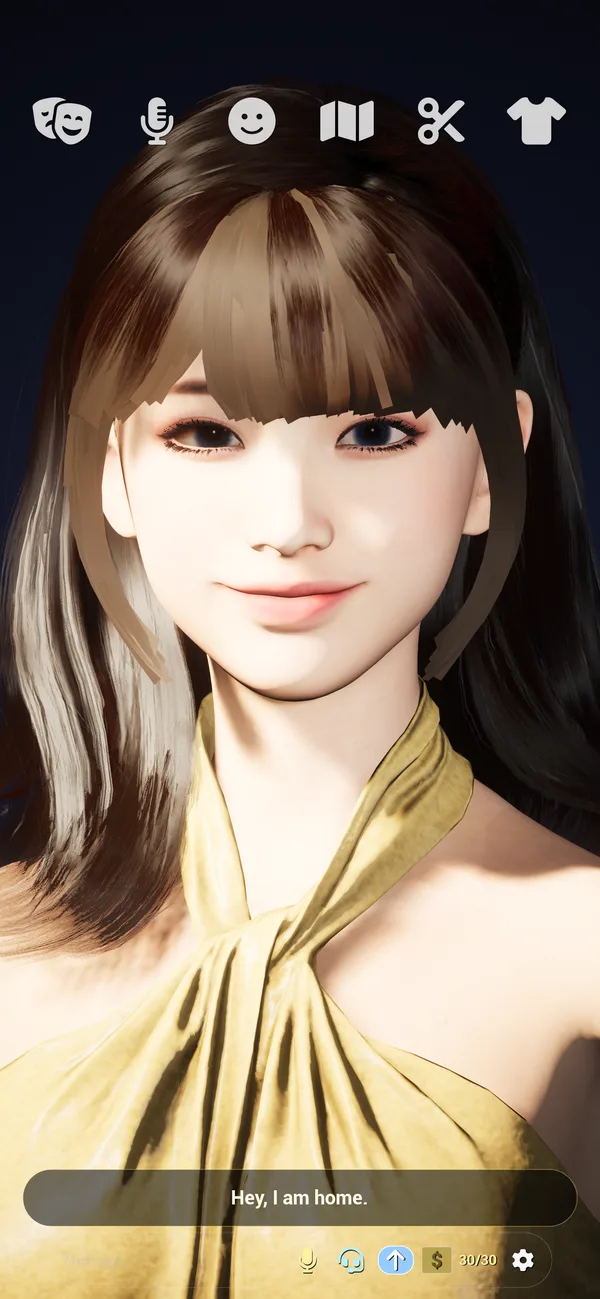
RealSoul renders a lifelike human in real time — she looks at you, reacts with emotion, and holds the vibe you set together.

Photorealistic 3D Companion
A lifelike human character rendered live on your device — realistic skin, hair and expressions that respond to you in real time.
Talk by Voice or Text
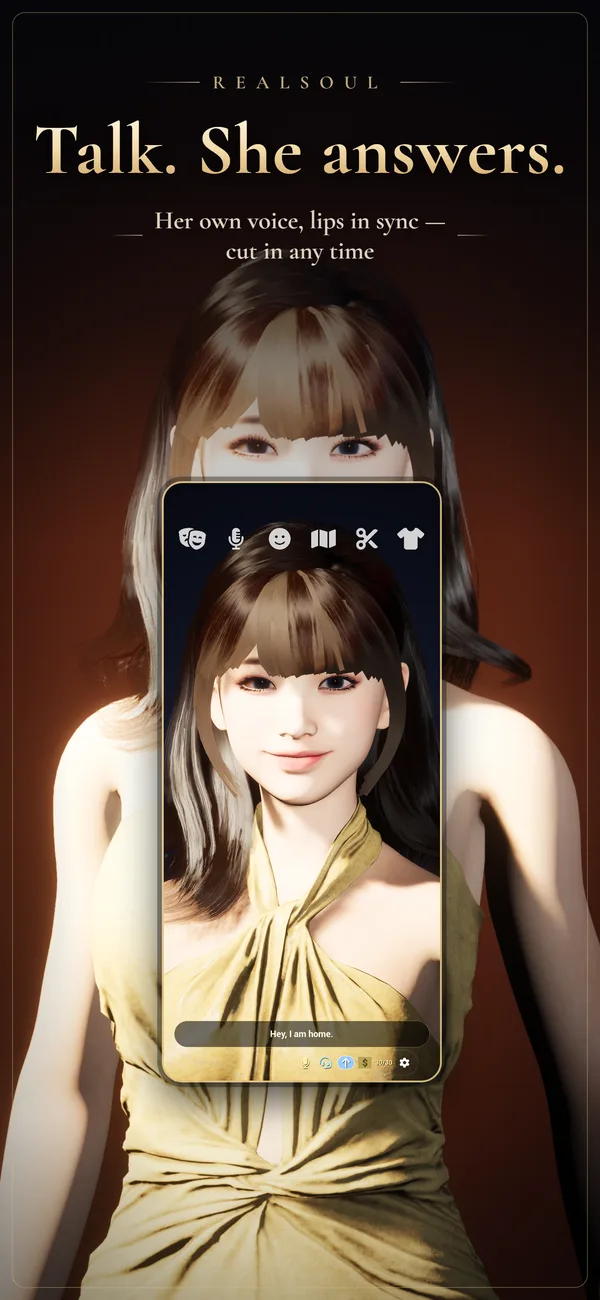
Speak naturally or type. She listens, replies in an expressive voice, and lip-syncs as she talks.

Emotions & Roleplay
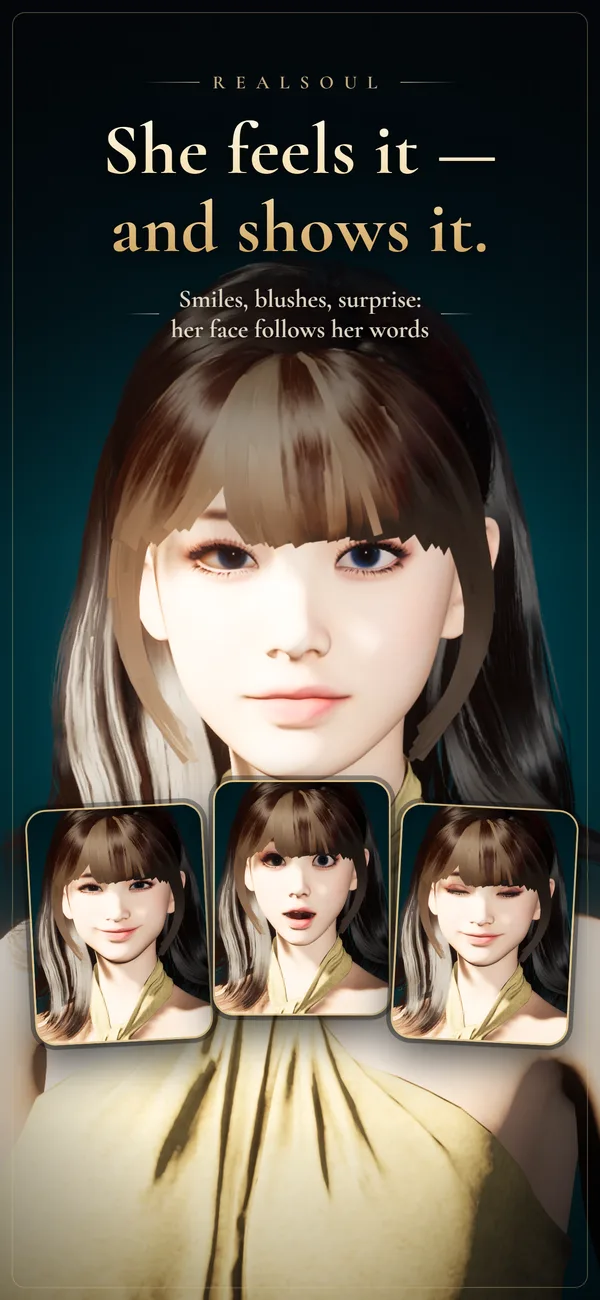
Genuine facial expressions, moods and personas. Set the scene and she stays in character with you.

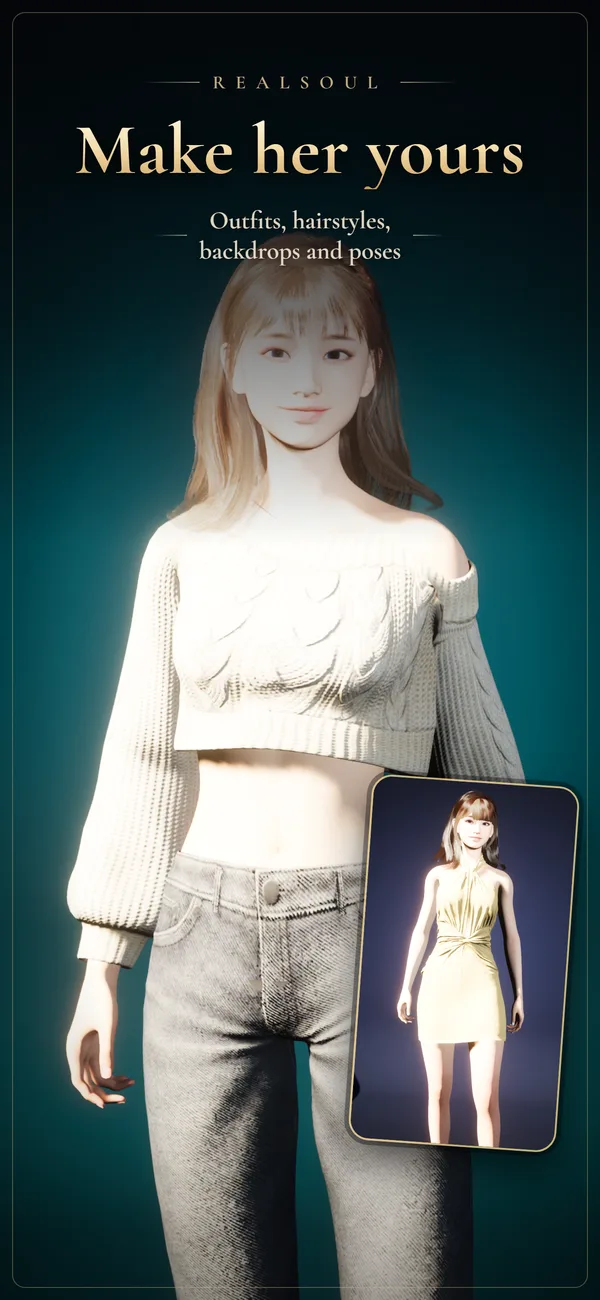
Style Her Look
Change hairstyles and colors in a tap and shape her appearance exactly how you like.

Wardrobe & Outfits
From casual everyday wear to dressed-up looks — curate a wardrobe that's hers alone.
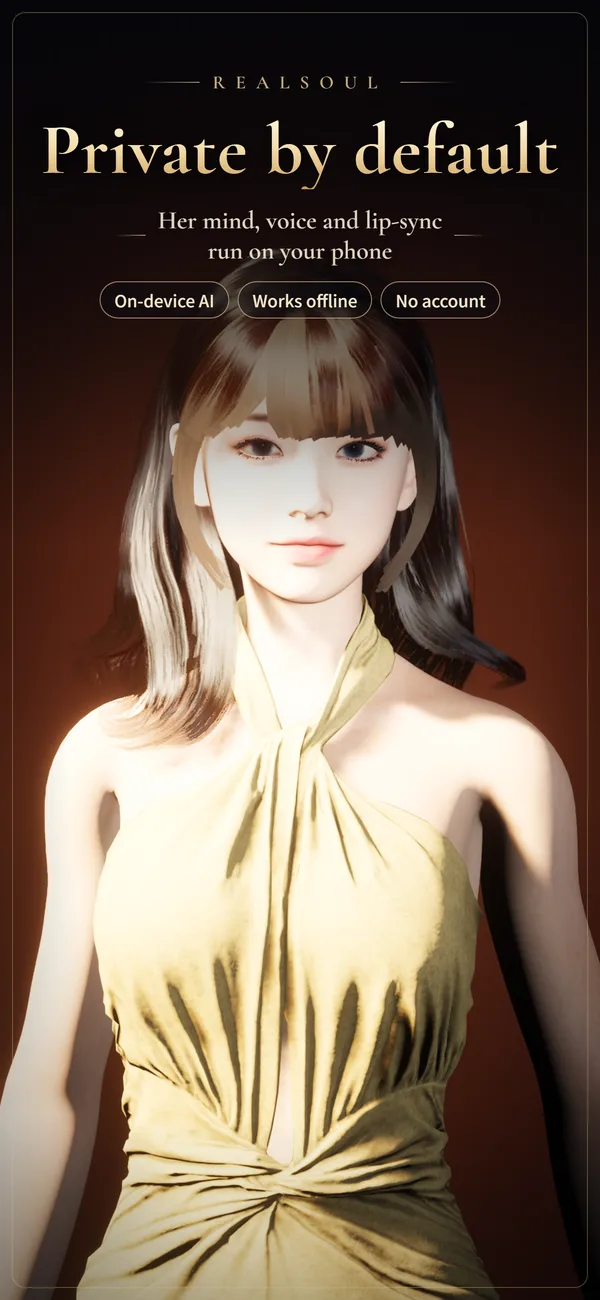
Yours, Privately
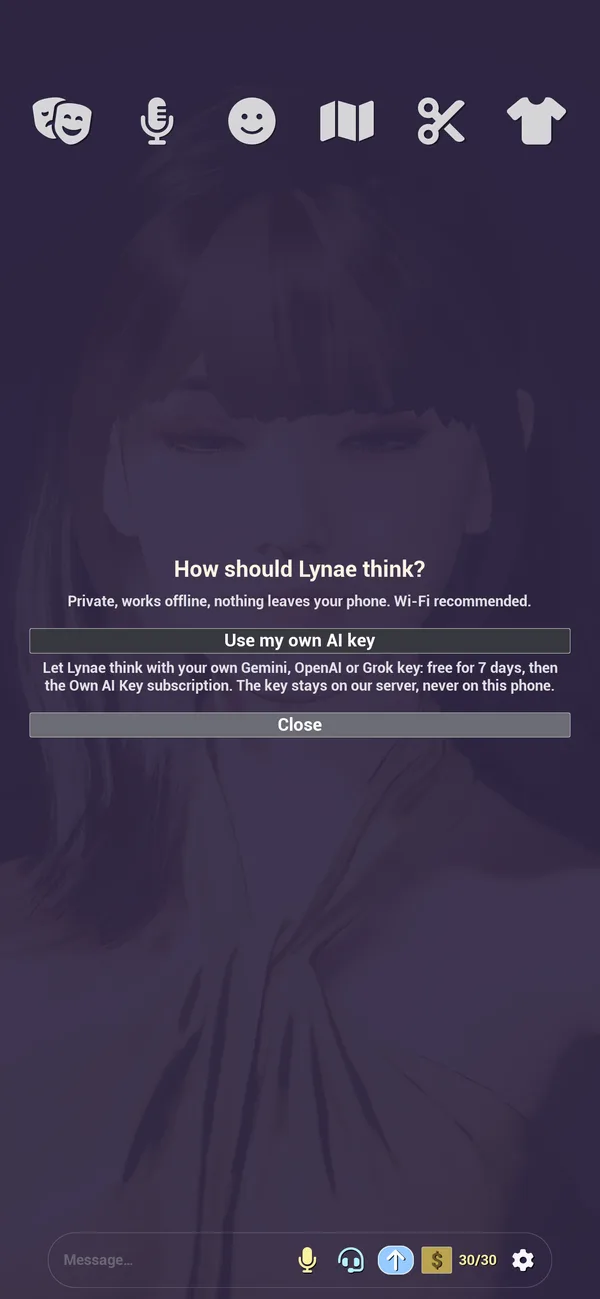
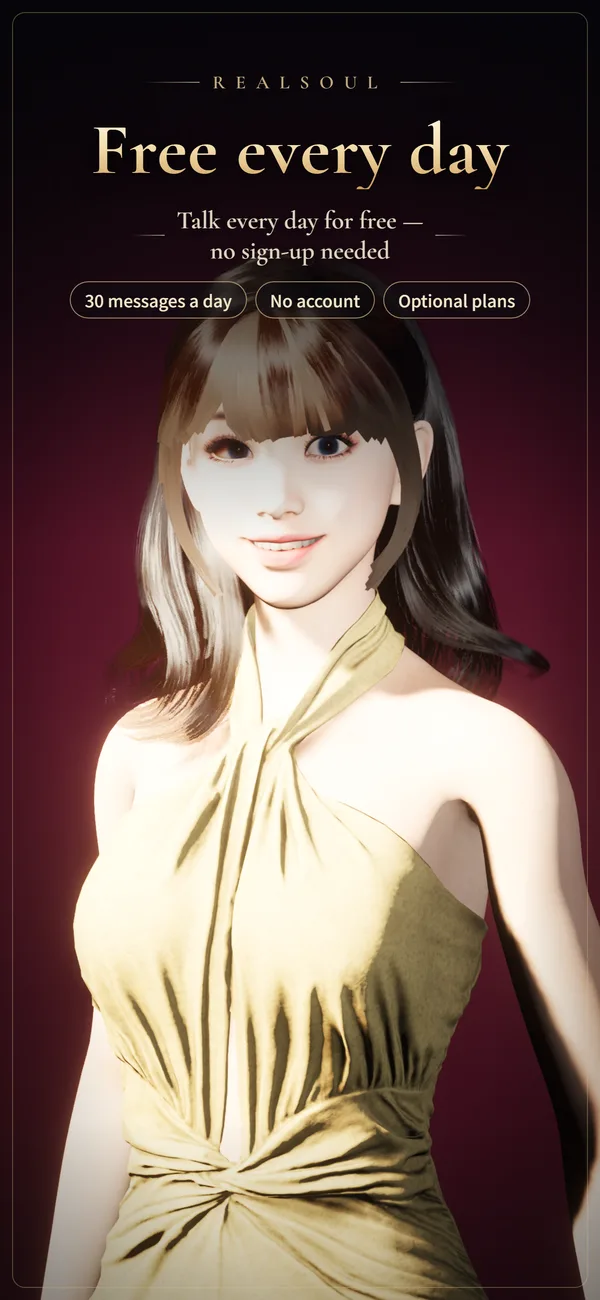
By default her language model, voice and lip-sync run on your device, so your conversations and her memories never leave it. No account, no sign-up. Using your own AI key is optional.
Watch Her in Action
App Store previews, recorded on an iPhone 15.
She looks back, and shows how she feels
Talk out loud, she talks back; cut in any time
Make her yours: outfits, hair, moods and poses
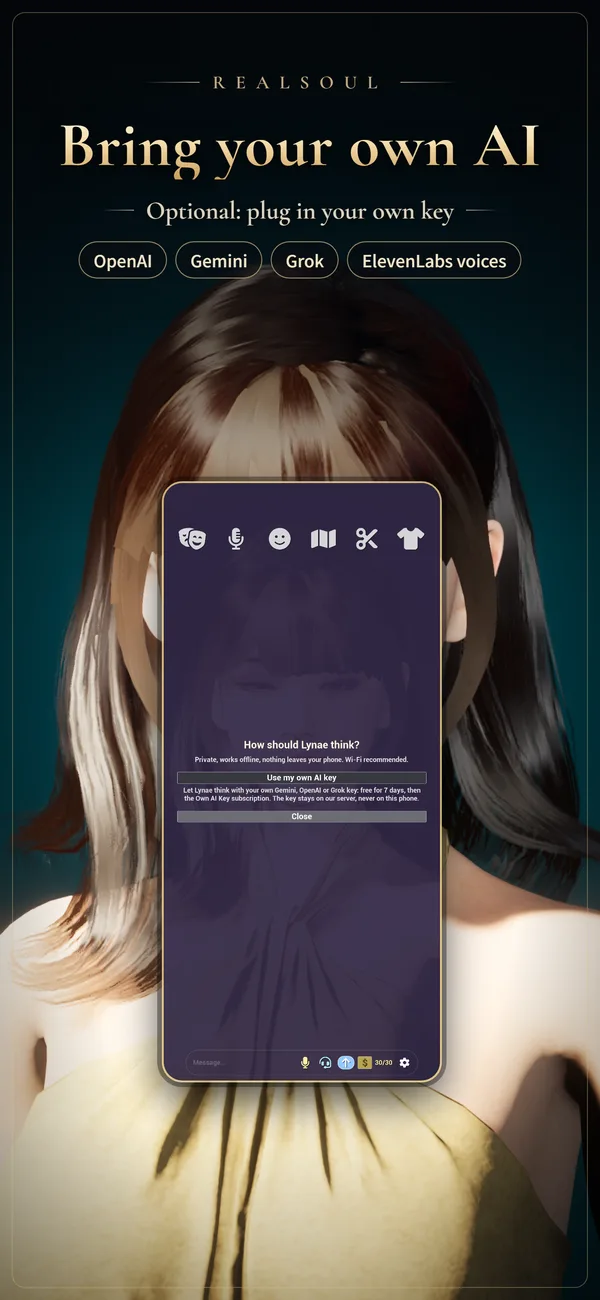
Use Your Own AI Key
Let her think with your own OpenAI, Google Gemini or xAI Grok account, and speak with an ElevenLabs voice. The Own AI Key plan is free for 7 days, then $9.99 a month, and your AI provider bills its own usage to your account. Her own on-device mind is one tap away.
- 1Open Settings → Mind → Change, tap “Use my own AI key” and sign in with Apple or Google, once.
- 2Start the Own AI Key plan, then tap “Manage my keys”.
- 3Paste your OpenAI, Gemini or Grok key and tap Save; your ElevenLabs key goes under Her Voice. Keys are kept on our server under your account, never on your phone.
- 4Back in the app, pick the key to use and agree. The app tells you what is sent before anything leaves your phone.
- 5Chat as usual, and pick an ElevenLabs voice in the Voice tab.
Where to get a key
Watch on YouTube →See RealSoul in Action
Style, dress and chat — every screenshot is captured on an iPhone 15.


Meet Your RealSoul
Download free and start talking in minutes. Style her, dress her, and make her yours.