A Live Character Is Not a Talking Picture
Most AI companions animate a still image. A real-time 3D character is rendered frame by frame on your device and reacts as you speak. Here is the difference, what it costs your hardware, and how to choose between AniSoul and RealSoul.
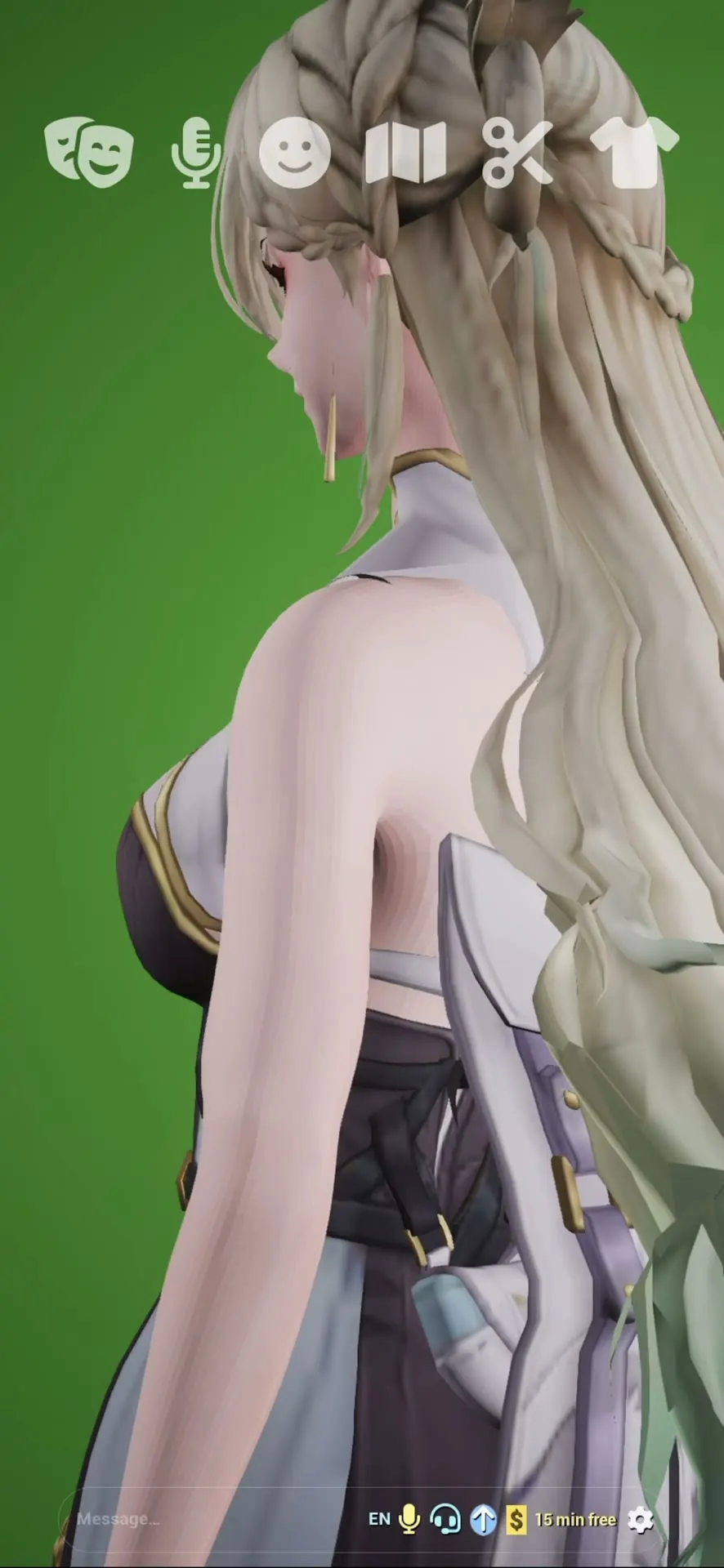
A Live Character Is Not a Talking Picture 🎭
Open most "AI companion" apps and you get a beautiful illustration, a chat box, and maybe a mouth that opens and closes. It works. It is also a picture with text attached.
A real-time 3D companion is a different thing entirely: a character rendered frame by frame on your device, moving continuously, reacting while you are still talking. This post is about why that distinction matters, what it genuinely costs your hardware, and how to pick between AniSoul and RealSoul.
🖼️ Three Ways Apps Do This
| Approach | How it works | What breaks the illusion |
|---|---|---|
| Static portrait | One illustration, text below | Nothing moves; the image never answers you |
| Pre-rendered clips | A library of recorded animations, played on cue | Same clips recur; reactions arrive late, after you finish |
| Real-time 3D ⭐ | A 3D character rendered live, driven by what is happening now | Costs real GPU work — see below |
The first two scale beautifully. They are cheap to run, work on any phone, and never get warm. They also have a ceiling: the character can only ever replay something that was decided in advance.
Real-time rendering removes that ceiling. Expression, gaze and lip movement are generated as the conversation happens, which is why the character can respond while you speak rather than after you stop.
🔊 Why Lip Sync Is the Honest Test
Lip sync is where the difference becomes obvious, because it cannot be faked convincingly with a clip library.
To match mouth shapes to speech, the character has to be driven by the audio as it is produced. A pre-rendered approach has to guess in advance or loop a generic talking animation — which is why, in a lot of apps, the mouth keeps moving slightly after the voice stops, or starts slightly before.
Both AniSoul and RealSoul speak with an expressive voice and lip-sync while talking. Watch the moment a sentence ends. That is where the seams show.
🔥 The Honest Cost: Your Device Gets Warm
Here is the part most marketing pages leave out.
Continuous real-time 3D rendering is real GPU work, sustained. Not a burst when you open the app — continuous, for as long as the session runs. That has consequences you should expect rather than report as bugs:
- The device warms up. Extended sessions drain battery faster than a text chat app.
- Older hardware works harder. Near the minimum requirement, frame rates drop — especially once the device has been warm for a while.
- Sessions pause in the background. The operating system suspends the app; your companion resumes rather than continuing to run while you are elsewhere.
If rendering gets choppy deep into a long session, letting the device cool usually restores it. This is the trade you make for a character that is actually alive instead of a loop.
🎨 AniSoul or RealSoul?
They are built on the same idea and offer the same interaction — voice conversation, lip sync, expressions, moods, personas, hairstyles, wardrobe. The difference is art direction.
| AniSoul | RealSoul | |
|---|---|---|
| Style | Anime | Photorealistic |
| Wardrobe | Traditional wear through casual cosplay | Everyday wear through dressed-up looks |
| Rendering load | Lighter | Heavier — realistic skin and hair cost more |
Two practical notes:
On rendering load. Photorealism is the more demanding of the two. On the same device, RealSoul works the hardware harder than AniSoul does. If your phone is a few generations old, AniSoul is the gentler starting point.
On commitment. They are separate apps and separate free downloads. Trying one does not commit you to it — install both and keep whichever look you actually enjoy.
🚀 Getting Started
Both are free to download and use every day, and both require iOS 17.0 or later. There is no account and nothing to sign up for.
- Install AniSoul or RealSoul from the App Store
- Open it on Wi-Fi: her language model is fetched once, at or shortly after first launch — roughly 400 MB to 1 GB depending on your device
- Allow microphone and speech recognition if you want to talk; typing works just as well if you decline
- Give her a persona and a mood, then style her however you like
One thing worth knowing: in both apps it is not only the character that runs on your device. Her language model, her voice, her lip-sync and the speech recognition run there too, so your conversations and your microphone audio never leave the phone, and a whole conversation works in Airplane Mode once the model is in place. What the apps do send is listed in the privacy policy.
Step-by-step guides: Getting Started with AniSoul · Getting Started with RealSoul
Features, availability and pricing can change between versions. The current app and its App Store listing are authoritative.